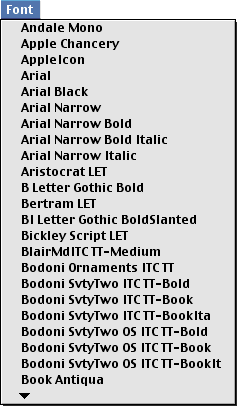
Because MLTE supports both QuickDraw and ATSUI without requiring your application to know which is being used, MLTE provides utility functions for creating and handling a standard Font menu (where standard is defined as what is most appropriate for the imaging system in use).
MLTE provides an opaque structure called
TXNFontMenuObject
and the functions
TXNNewFontMenuObject
and
TXNDoFontMenuSelection
that you can use to build a Font menu and handle user interaction with the Font menu. If you prefer to have your application build its own Font menu, you can do so. But if you use the MLTE Font menu functions you'll have fewer lines of code to write.
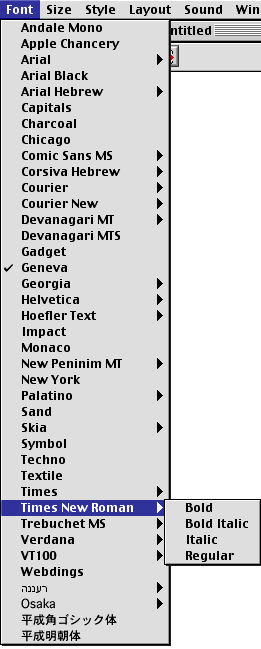
If your application uses MLTE on a system that has ATSUI (which is the default), the Font menu automatically includes hierarchical submenus for ATSUI fonts that share a family name but have different style names. MLTE draws each Font menu item in a single system font. Figure 2-2 shows an MLTE Font menu on a system that uses ATSUI.
An MLTE Font menu on a system that uses only QuickDraw text looks exactly like a font created by calling the Menu Manager function
AddResMenu
.